How to log baby feeds, sleep, and diapers on Apple Watch
After a late-night feed, the next caregiver usually needs two details: when it happened and how much the baby drank. Start by logging one or two things you often forget, then decide whether to share a diary.
Set up on iPhone and try a watch entry
- In Baby Journal, sign in with Apple and enter your baby’s nickname and date of birth. You can skip Health access.
- Open the paired Apple Watch app and try logging a bottle feed or diaper change with the phone nearby. Check that the entry arrives on iPhone.
- Log the time and amount for a bottle feed. For nursing, use the timer and pause or switch sides as needed. You can add a missed entry on iPhone.
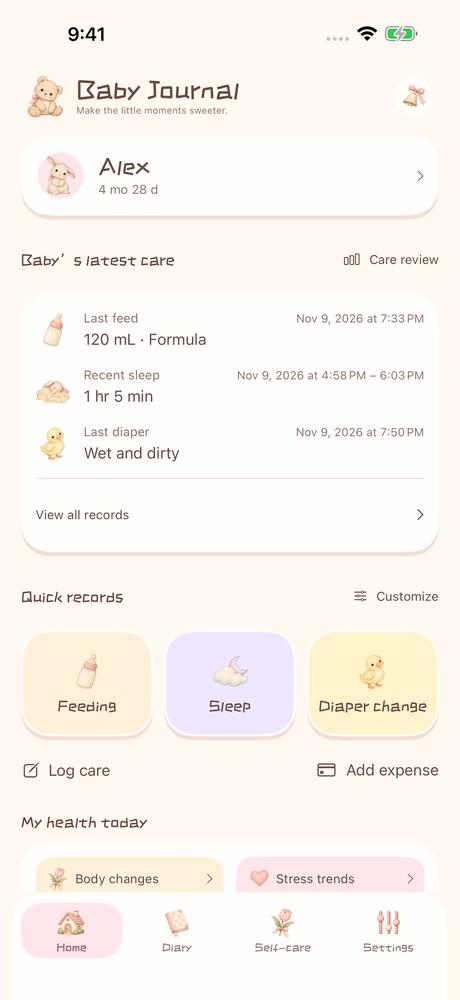
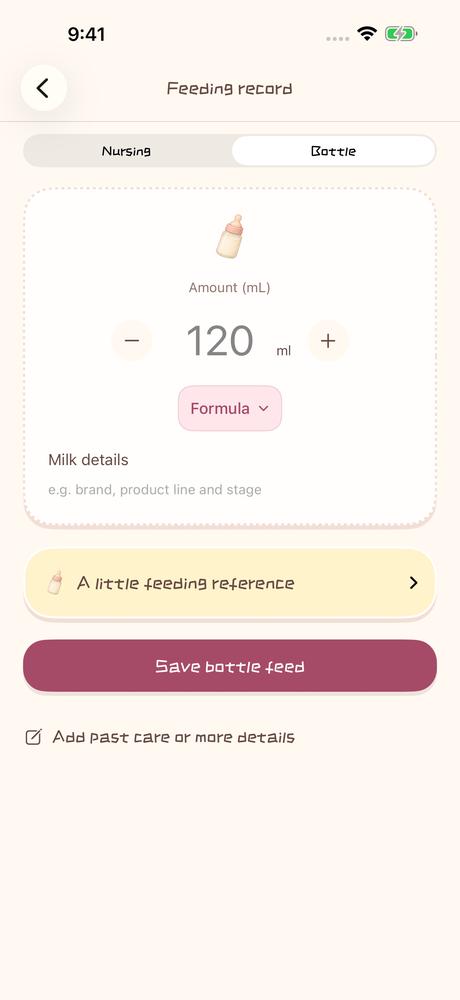
After setup, you can log care offline on the watch. Once the devices reconnect, check that the entry reached iPhone before another caregiver relies on it.
Hand over care between two phones
Create a family in the diary. The other caregiver joins with their own Apple Account and the invite code. Both caregivers must be in the same service region. At handoff, check the last feed, sleep entry, and diaper change in the shared diary, then log the next event from your phone. If you send a handoff request in the app, wait for the other caregiver to accept it.
Basic records and private cloud storage are free. Family sharing and handoffs require an active membership for you or a current family member. New entries appear for others after syncing online.

Common questions
Can I log care without an Apple Watch?
Yes. You can log, add, and review entries on iPhone.
Can other caregivers see my Health data?
With permission, the app reads and displays your personal Apple Health data on iPhone. It does not write it back, upload it, or share it with family members.