Apple Watch focus timers: countdowns, count-up sessions and useful rewards
A 25-minute block suits a small, defined task. Writing, drawing or reading may work better when you start first and measure how long you actually stayed with it. Choose the timer around the task.
Written by Wristlab, the developer of Cat Hourglass. This guide explains our public app and where a built-in timer may be enough; it is not an independent review or a promise of productivity.
Stop at a deadline, or stop when the task is done?
| Task | Option | A useful starting point |
|---|---|---|
| Tea or a quick reminder | Built-in Timers | You need an alert, not a focus history. |
| A page of notes or a batch of emails | Hourglass countdown | Define what this one block should move forward. |
| Writing, practice or open-ended reading | Count-up session | Start at zero and keep the actual time you spend. |
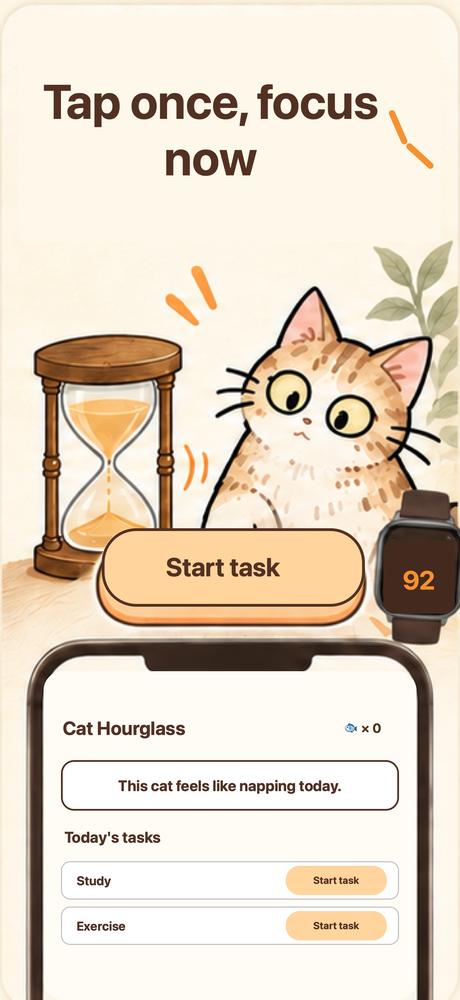
For a simple alert, try Apple Watch’s Timers app first. Consider Cat Hourglass if you also want task records, visual timers and rewards you set yourself.
Make the first block easy to start
- Complete Sign in with Apple on iPhone and create your own task, such as “read the first section of this chapter.” A concrete next step is easier to act on than “study harder.”
- For a Pomodoro-style rhythm, try a 25-minute countdown and set a separate five-minute rest timer afterwards. This is a routine you arrange yourself, not a claim that the app automatically cycles through work and breaks.
- If you cannot estimate the task yet, choose count-up mode. Start working and review your actual time afterwards. Do not leave a timer running just to fill a chart.
- Pause when you need to step away. At the end, check that the session has been saved or completed before moving on. An abandoned session is not completed work.
The watch suits choosing a task, starting, pausing and finishing. The phone gives more space for planning and reviewing records. Sessions and records can be shared between them, but syncing is not a guarantee of instant agreement in every connectivity state.
Make rewards something you can actually deliver
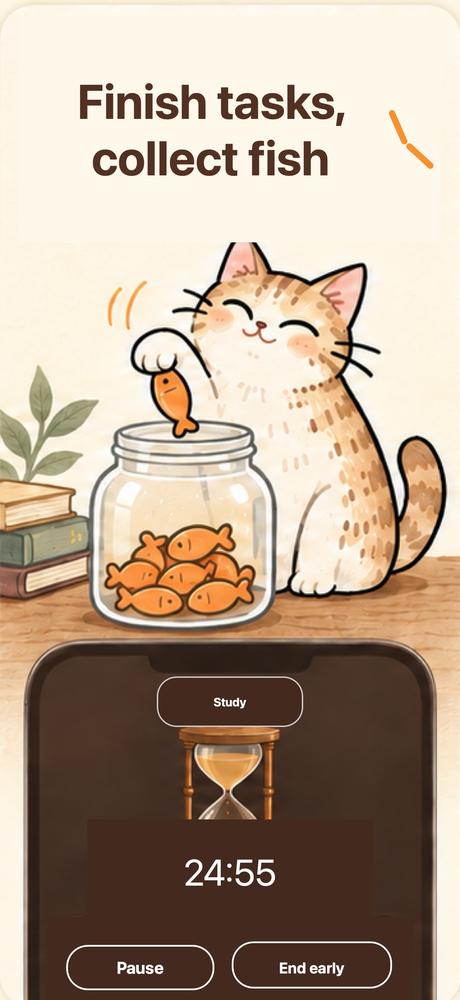
Completed focus sessions earn fish toward rewards you create. Choose a small action within your control: a cup of tea or a walk after dinner. Fish are an in-app motivational record, not money, shopping vouchers or pet food.
For the first few days, ask whether the block moved the task forward and whether its length felt right. Once you have real sessions, review task distribution and focus statistics. Empty history is fine; a streak is not a reason to record time you did not spend working.
Basic timers and records are free. More hourglasses, advanced statistics, all widgets and other features require Premium. Check the purchase screen for current subscription or lifetime access terms.
Offline timers, rest detection and app restrictions are different
First use requires Sign in with Apple. Afterwards, local timers and records work offline; tasks, records and the reward ledger sync when connected. Open the watch app before heading out to check that the tasks you need are available.
Phone-rest detection and wrist gestures are optional helpers requiring foreground sensor sampling. A stationary phone does not directly measure whether a person is concentrating. App restrictions require the relevant system authorization; starting an ordinary timer does not mean every other app has been blocked.
A time record helps you review time spent. It does not guarantee better work, exam results or attention. A built-in timer remains a good choice if an alert is all you need.
Common questions
Does every session have to be 25 minutes?
No. That is one rhythm to try. Choose a duration around the task, or use count-up mode to record actual time.
Can I start from Apple Watch?
Yes, the watch lets you choose a task and operate the timer. Complete initial phone setup first and check that the watch has the relevant data.
Why use more than the built-in timer?
Use Timers if you only need an alert. The extra app is for task history, visual timing and personal rewards.