Badminton scoring on Apple Watch: setup, offline matches and review
Losing track of the score and finishing with only a workout duration are different problems. Decide whether you want an exercise record or the point-by-point story of a match before choosing a tool.
Written by Wristlab, the developer of RallyTrace, using the current public app. This is a practical workflow guide, not an independent review or a playing-skill assessment.
An exercise record or a match score?
If you only want an exercise record, start with Apple’s Workout app. Point-by-point scoring becomes useful when you also want to keep game scores, see when the score drew level, or undo a point you entered incorrectly.
RallyTrace scores singles and doubles on the watch, with history and review on iPhone. It does not judge rallies automatically or assess which player has better technique.
Connect your devices before going to court
- Sign in with Apple on iPhone and set a nickname and profile picture. A default picture is available.
- Open the paired watch app and check that it has received the completed phone setup. Keep the phone nearby for your first trial.
- Choose singles or doubles, the target score and match format, then confirm the first serving side. Practice adding, undoing and pausing before a competitive game.
- Choose health access deliberately. Scoring works without it, but declining access cannot produce measurements that were never captured.
Make the scoring action familiar
- After each rally, tap the side that actually scored. Undo an incorrect entry immediately rather than trying to reconstruct the score flow later.
- Pause for a break and save the actual result if you finish early. You do not have to operate the phone throughout the match.
- Finish and save, then confirm that the match reaches iPhone when the devices reconnect. Find the record and add any private notes there.
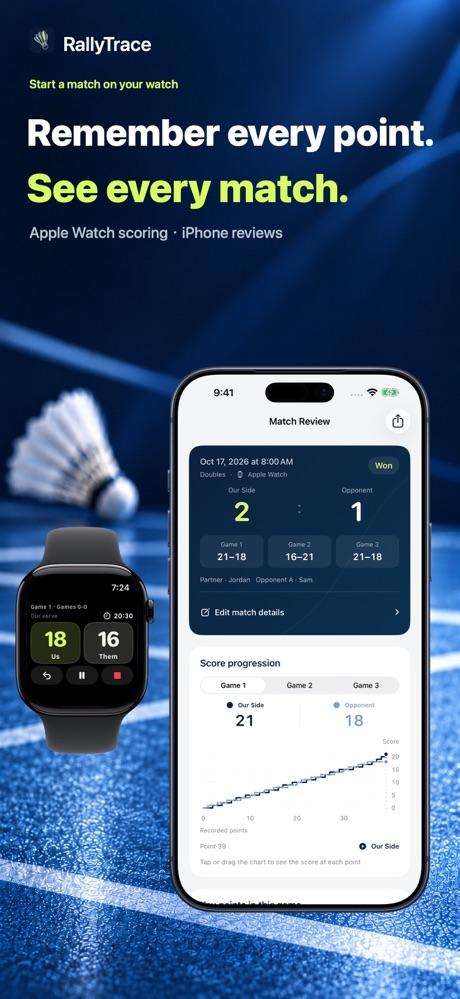
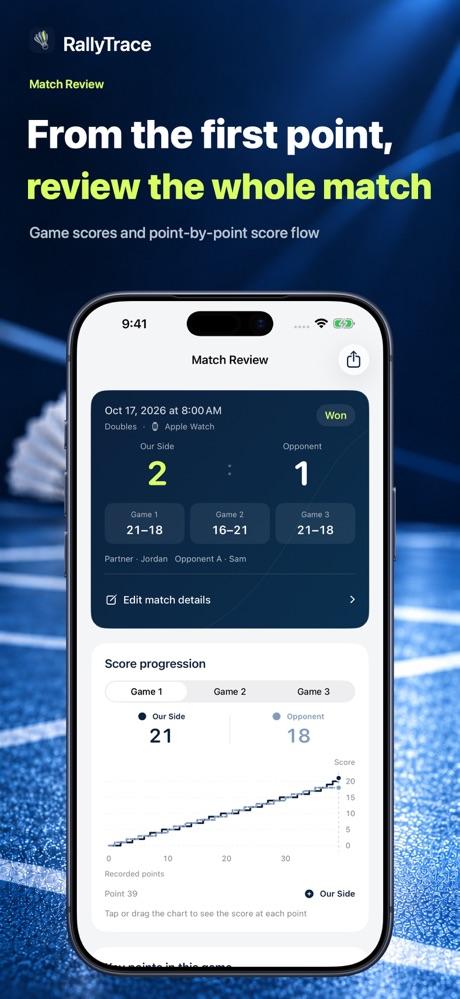
After initial setup, Apple Watch can score offline and sync when reconnected. An offline match does not guarantee an immediate cloud backup or delivery to a friend.
Separate measurements, estimates and missing data
Start with game scores and point-by-point score flow, then read the activity summary actually captured. Apple Watch measures heart rate and Apple estimates active energy. Swings, movement classification and wrist speed are estimates. Wrist angular speed is not racket-head speed or shuttle speed; it cannot diagnose health problems or assess playing technique.
Local history, basic summaries, manual entries and regular statistics are free. Automatic cloud backup, online friend sharing, PDF reports, advanced analysis and complications require lifetime membership. Preview a match card before sharing: player names and health data are hidden by default, and private notes are not shared.

Common questions
Does a manually added match have watch sensor data?
No. A manual entry preserves the facts you enter; it cannot create missing heart rate, swing or speed measurements.
Can a friend automatically see all my history?
No. Online friends and cloud backup are different features. Sharing needs connectivity and membership: select an added friend when starting the match, then complete summary syncing. A backup alone does not grant friend access.
What if I am not ready for another app?
Use paper to keep the score, or just record exercise. Try one practice match with the app when you have a real need for score flow and searchable history.